Sign up
Give the office your details and it enrols you, usually within a day, and emails your sign-in. The academy is for adults (18 and over). Nothing is charged: the diagnostic and the first lessons are free, and a course pack is bought only when you choose one.
Get started on your own
Five steps, in this order. Tick each one; your ticks stay on this phone.
Sign up
In the Sign up box above give your name, your city, an email or WhatsApp number and your test month. The academy office enrols you and emails your sign-in, usually within a day. There is no password: you sign in with a code sent to your email.
Sign in
Open https://toefl.samas.school on your phone. Press Continue with Google if your email is a Google account, or type your email and press Continue. On Check your email, type the 6-digit code and press Sign in. Bookmark the page: this is your classroom.
Watch the one hour lesson
The lesson below, in Urdu or Sindhi, explains the test, the academy and the first week. Watch it in two or three sittings; each chapter stands on its own.
Learn 7 words a day
The flash cards below give 7 academic words a day with a picture, the sound, a plain meaning, a TOEFL-like sentence and the Urdu. Three minutes with your morning chai, the same 7 again in the evening.
Pick a test date and a target
Choose a test date 3 to 4 months away and a target score (most universities ask for 80 to 100). Write both on paper and put it where your alarm is. Register at ets.org when you are ready; the fee and the centres are on that site.
The one hour lesson
One hour, twelve chapters: what the test is, how the academy works, every section with a worked example, the words, the grammar that costs Pakistani learners marks, the tests, test day and your first week. Choose your language. The chapters list jumps to a chapter; the player remembers where you stopped.
Today's flash cards
The Academic Word List, 7 words a day for 90 study days, each with a picture, the sound, a plain meaning, a TOEFL-like sentence, the Urdu and the word family. Tap a card to turn it. Pick the day you are on; the page remembers it.
630 cards in all. The academy app adds the quiz, the spaced repetition and your streak when you sign in.
Your first week, then the 13 weeks
Weeks 1 to 4 build, 5 to 9 practise, 10 to 13 rehearse. Like a PSL season: the league first, the final at the end.
Day 1
Sign up, sign in, 7 cards, watch chapters 1 and 2 of the lesson.
Day 2
7 cards (yesterday's 7 first), chapters 3 and 4: Reading, with the Mohenjo-daro example.
Day 3
7 cards, chapter 5: Listening and note-taking. Take notes on any English lecture for 10 minutes.
Day 4
7 cards, chapters 6 and 7: Speaking. Record a 45-second answer on your phone with the template.
Day 5
7 cards, chapter 8: Writing. Write a 100-word post on the roads or buses question.
Day 6
7 cards, chapters 9 and 10: Vocabulary, grammar and pronunciation. Record the minimal pairs.
Day 7
Review the week's 49 cards, chapters 11 and 12: the tests, test day and next week's plan.
| Week | Days | Words |
|---|---|---|
| Week 1 | days 1 to 7 | analyze, approach, area, assess, assume, authority, available, benefit, concept, consist, constitute, context, and 37 more |
| Week 2 | days 8 to 14 | respond, role, section, sector, significant, similar, source, specific, structure, theory, vary, achieve, and 37 more |
| Week 3 | days 15 to 21 | perceive, positive, potential, previous, primary, purchase, range, region, regulate, relevant, reside, resource, and 37 more |
| Week 4 | days 22 to 28 | imply, initial, instance, interact, justify, layer, link, locate, maximize, minor, negate, outcome, and 37 more |
| Week 5 | days 29 to 35 | despite, dimension, domestic, emerge, error, ethnic, goal, grant, hence, hypothesis, implement, implicate, and 37 more |
| Week 6 | days 36 to 42 | capacity, challenge, clause, compound, conflict, consult, contact, decline, discrete, draft, enable, energy, and 37 more |
| Week 7 | days 43 to 49 | target, transit, trend, version, welfare, whereas, abstract, accurate, acknowledge, aggregate, allocate, assign, and 37 more |
| Week 8 | days 50 to 56 | motive, neutral, nevertheless, overseas, precede, presume, rational, recover, reveal, scope, subsidy, tape, and 37 more |
| Week 9 | days 57 to 63 | infer, innovate, insert, intervene, isolate, media, mode, paradigm, phenomenon, priority, prohibit, publication, and 37 more |
| Week 10 | days 64 to 70 | displace, drama, eventual, exhibit, exploit, fluctuate, guideline, highlight, implicit, induce, inevitable, infrastructure, and 37 more |
| Week 11 | days 71 to 77 | commence, compatible, concurrent, confine, controversy, converse, device, devote, diminish, distort, duration, erode, and 37 more |
| Week 12 | days 78 to 84 | vision, adjacent, albeit, assemble, collapse, colleague, compile, conceive, convince, depress, encounter, enormous, and 37 more |
| Week 13 | days 85 to 90 | elicit, elusive, endorse, ephemeral, exacerbate, feasible, fragile, hamper, hinder, impede, inadvertent, indigenous, and 30 more |
Share the academy
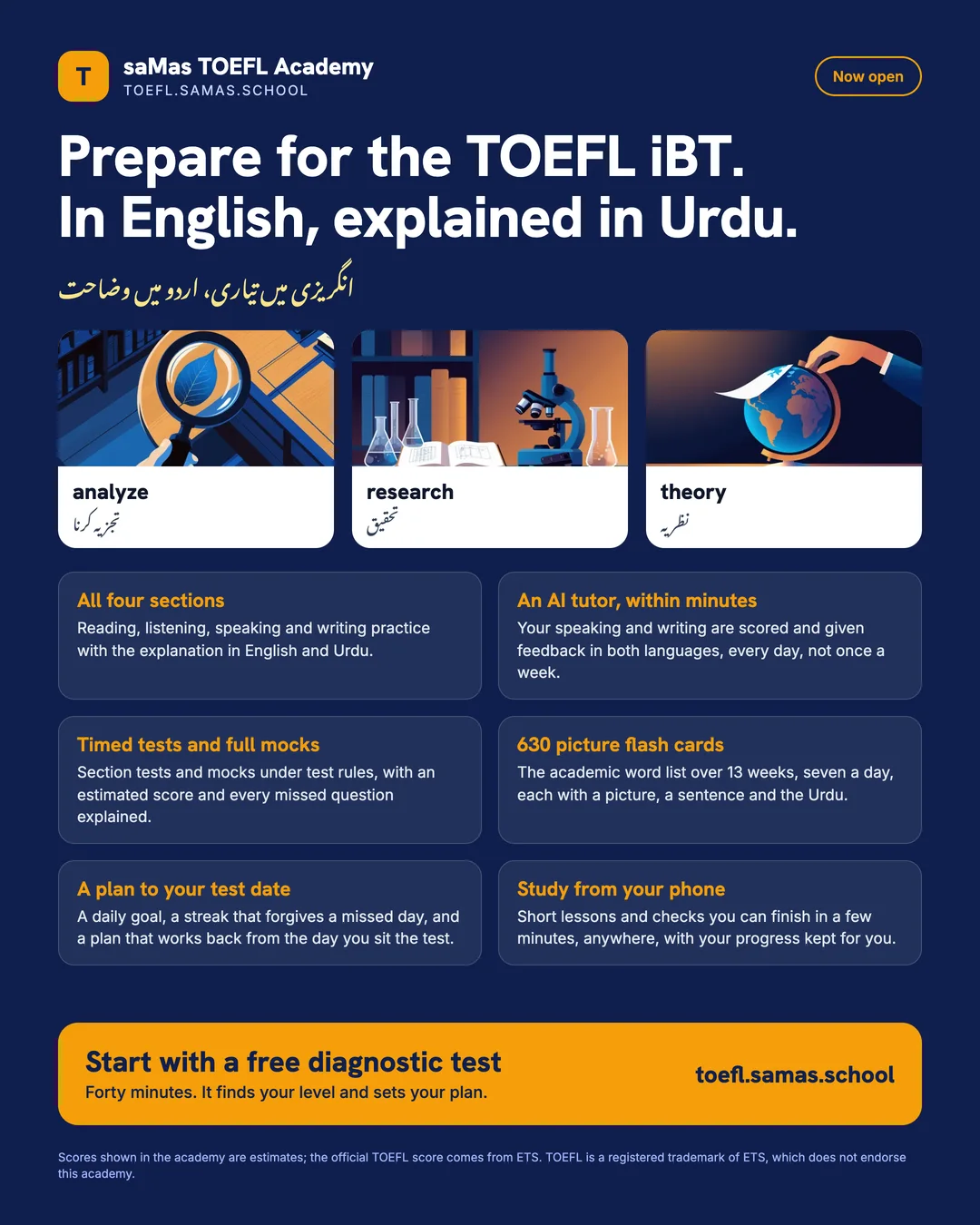
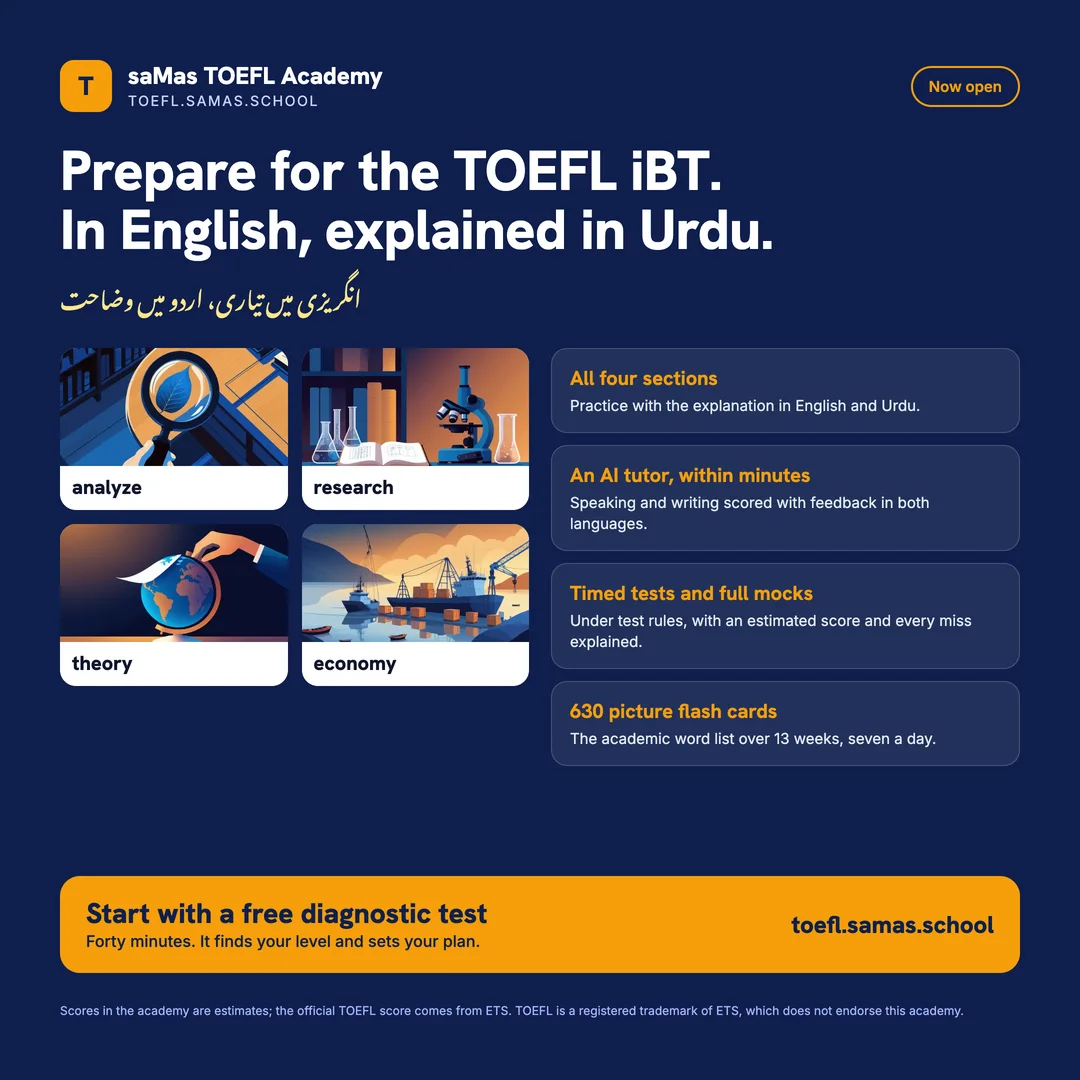
Two pictures to post or forward: one for a feed, one square for WhatsApp and profile pictures. Press and hold on a phone to save.
When something goes wrong
| You see | What to do |
|---|---|
| No email after signing up | Check spam and the promotions tab. If nothing arrives within a day, write to the office at the address in the footer with the name you signed up with. |
| The sign-in code does not arrive | Wait a minute and press Send again on the sign-in page. Codes are only sent to the email the office enrolled; a different address gets nothing. |
| The video does not play | Switch to Wi-Fi if you can; the lesson is about an hour long. The chapters list lets you jump to where you stopped, and the captions button shows the words. |
| The flash cards show no pictures | The pictures load from the academy's media store; on a slow connection the words show first and the pictures follow. Refresh the page once. |
| I am under 18 | This version of the academy is for adults. Ask the office about a school account instead. |
Report a problem
Signed in, press Feedback at the top of any screen or Report a problem next to an error, say what happened and press Send report; you get a reference and an answer within one working day. Not signed in: the sign-in page has a Report a problem link too.